
There are numerous ways to deploy a website to a cloud provider. One of the simplest methods is to use Azure Pipeline for automated deployment. Today, we will explore how to deploy a React Application to Azure Static Web Apps.
User & Permission
In Org Setting, add user with Access Level is Basic
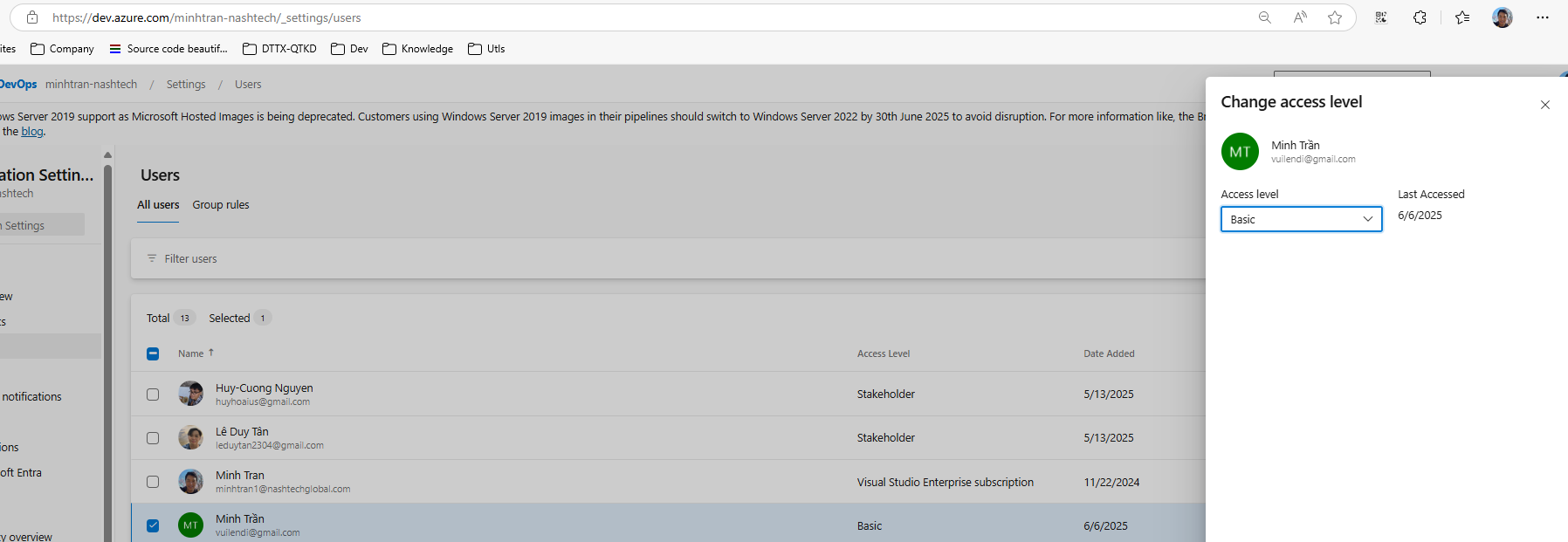
In the project team, add user to the project

Create Static Web App

Update information detail

In Deployment configuration, we can choose Token or Integrate with Github

Choose hosting region.

Choose suitable Tags

Review & Create
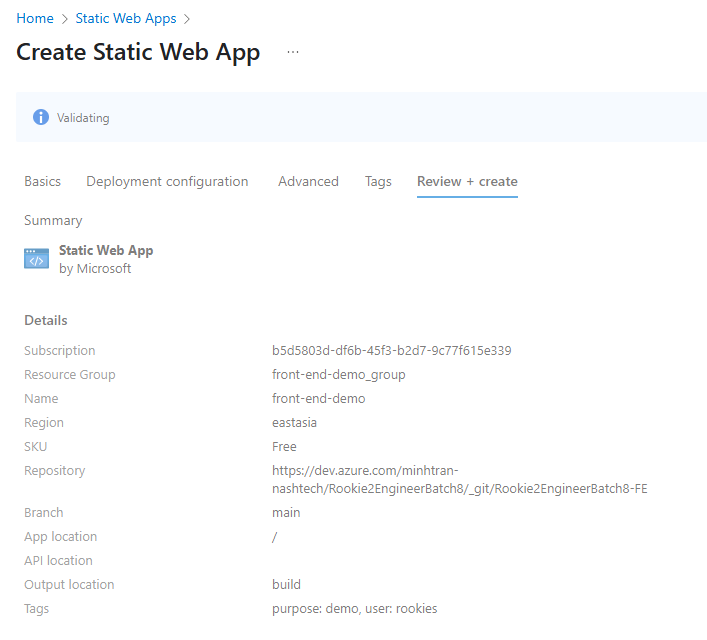
Configure Pipeline in Azure DevOps
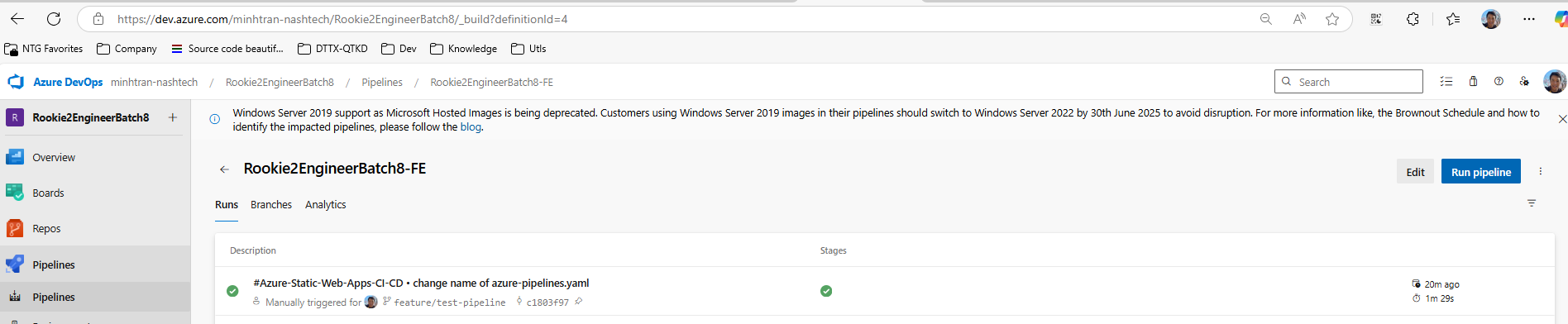
After that, we come back to Azure DevOps, we can see one pipeline is running. But some times it will be failed because we don’t have azure yaml definition.

Now we configure variable group to match with yaml file
Assume we have this file azure-pipelines.yaml:

We have group and we will get variable from this group.
Go to Pipelines -> Library to create group

We can click “
If you do not want to display plain text, you can enable the lock to hide it.
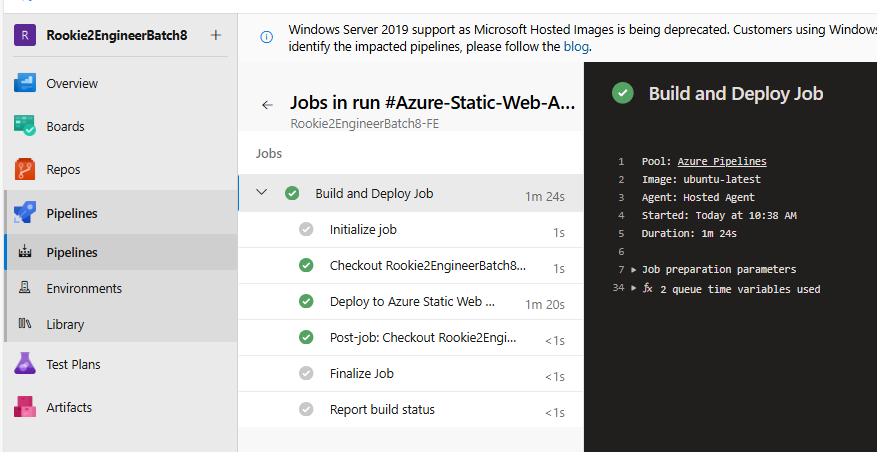
After that, go to pipeline to run it again.






 VuiLenDi
Leave a comment