
Nowadays, Generative AI has advanced significantly and is supported by various Cloud Providers. Today, we will review how to deploy Generative AI using the Langchain framework on the Azure OpenAI platform.
Install Miniconda
Download the latest version
wget https://repo.anaconda.com/miniconda/Miniconda3-latest-Linux-x86_64.sh
Install Miniconda
bash ~/Miniconda3-latest-Linux-x86_64.sh
After finish:
source ~/.bashrc
Test command
conda list
Create Python env with conda
We should use conda-forge channel for license
conda create -n langchain-training -c conda-forge python=3.11
Active
conda activate langchain-training
Chọn Python trong Visual Studio Code
Click CTRL + Shift + P
Chose -> Python: Select Intepreter
Choose Python env in the list. If there’s no Python env, click “Enter interpreter path”
~/miniconda3/envs/langchain-training/bin/python
Create new Azure OpenAI


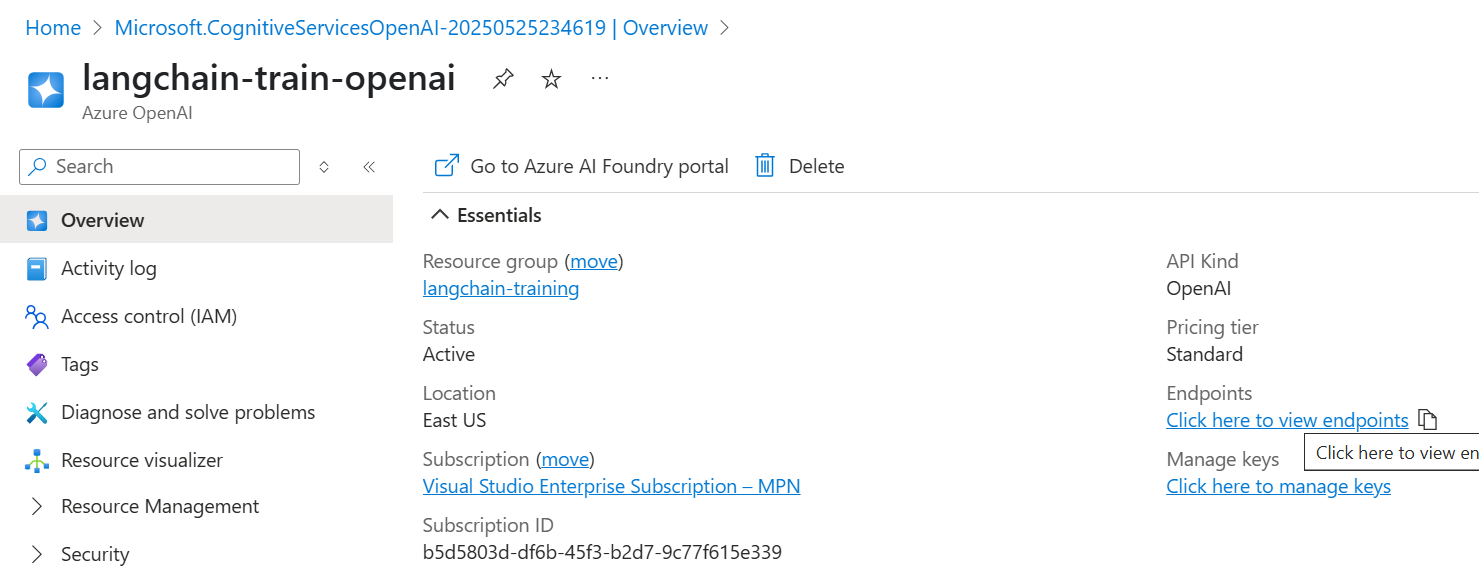
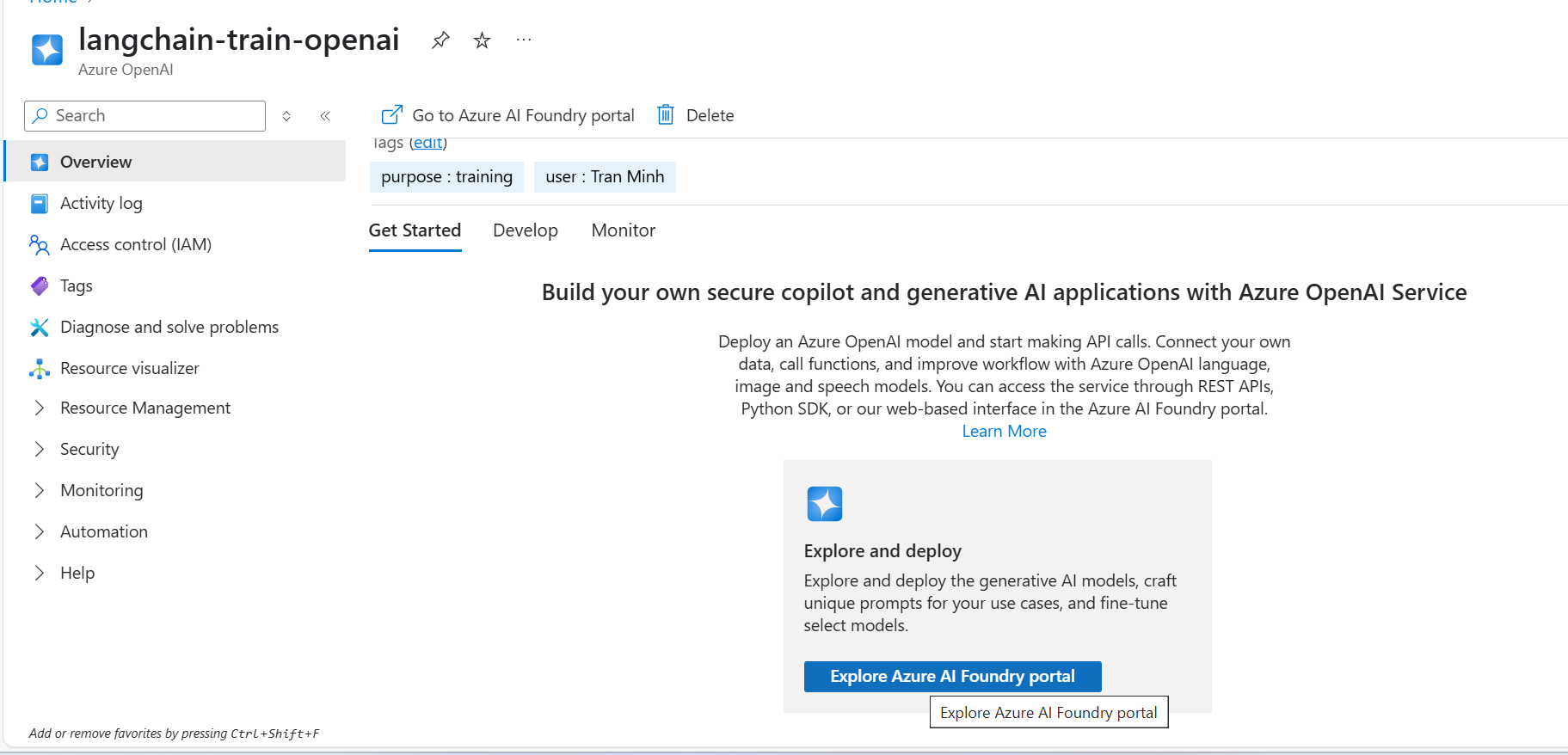
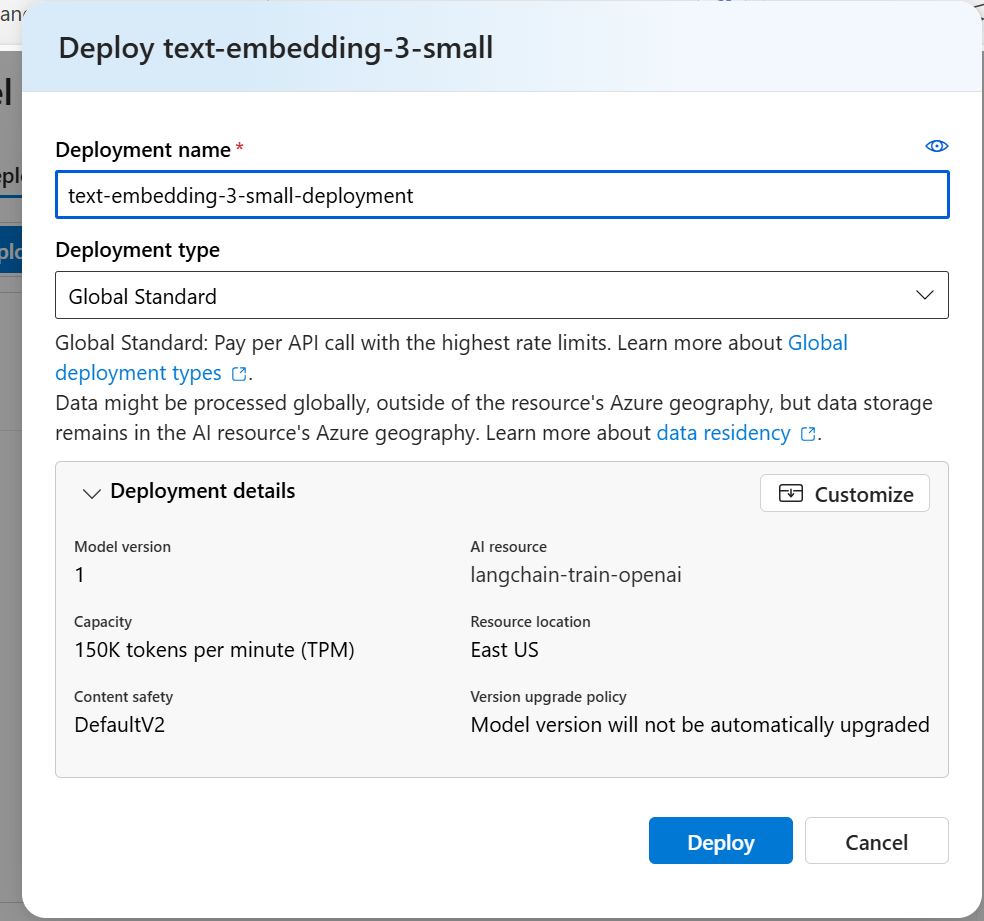
Create deployment models

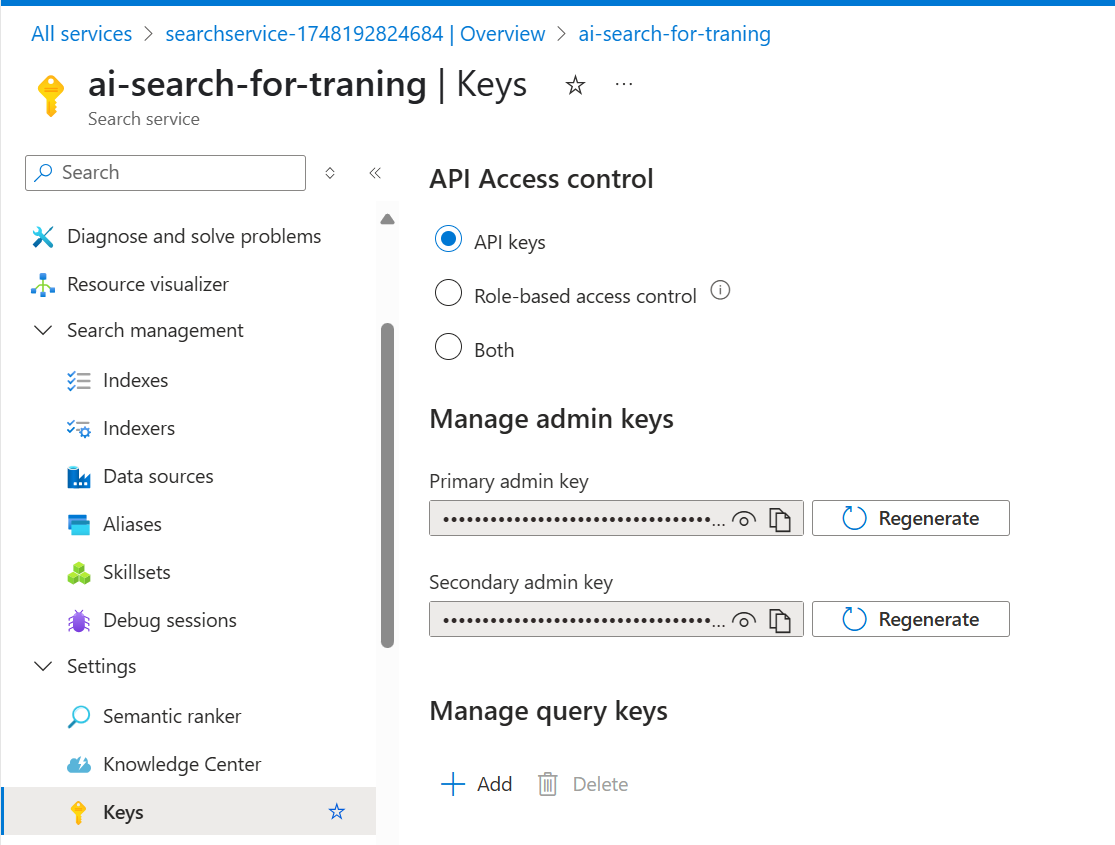
Create AISearch Service


Remember AZURE_SEARCH_SERVICE_KEY
Azure Deployment Model

API Version của AzureChatOpenAI
Azure OpenAI in Azure AI Foundry Models API version lifecycle – Azure AI services | Microsoft Learn





 VuiLenDi
Leave a comment